
Website Visibility Guide
What Should a Service Business Homepage Include?
A practical homepage checklist for helping the right customer understand the business, find the relevant service and take a confident next step.
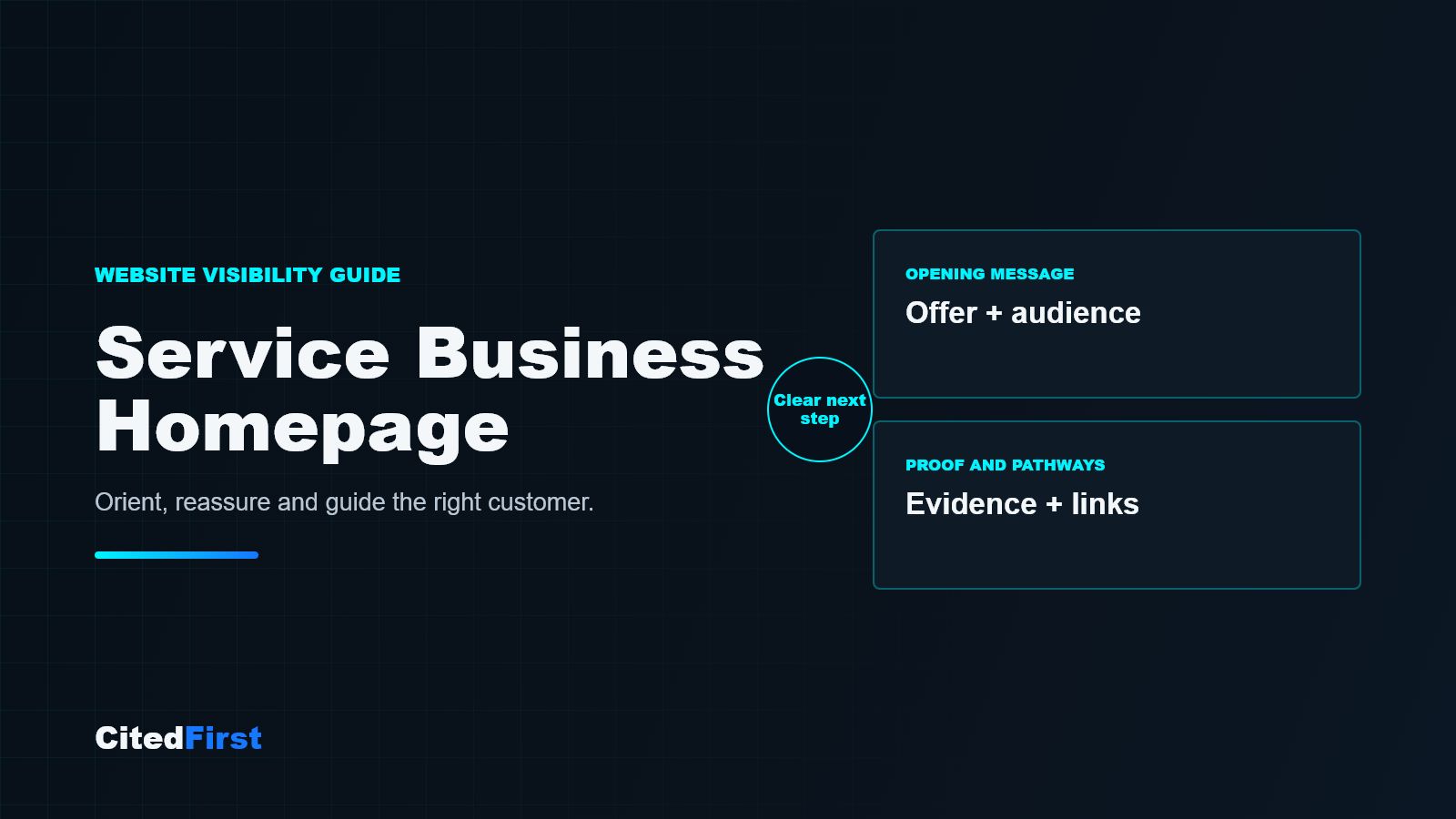
A service-business homepage should quickly explain what the business does, who it helps and what a suitable visitor can do next. It should introduce the main services, show credible proof, clarify genuine service areas where relevant and provide clear routes to deeper pages. The homepage should orient customers, not attempt to replace every service page.
The homepage is an orientation page
Many customers do not arrive through the homepage. They may enter through a service page, article, location page or project. The homepage still matters because people use it to check the wider business: what it offers, whether it looks relevant and where to go next.
That gives the homepage a specific role. It should provide the clearest overview of the business while allowing detailed pages to explain individual services, sectors, areas and evidence.
Answer three questions near the top
The opening screen should help a suitable visitor answer:
- What does this business provide?
- Is it relevant to a customer like me?
- What is the clearest next step?
A descriptive headline is usually more useful than a broad claim such as “quality you can trust”. Supporting copy can add the customer type, operating context or main outcome. The primary button should name a real action, such as viewing services, requesting a quotation or discussing a project.
Introduce services without turning the homepage into a directory
A service overview should help people recognise the right route. Group closely related services, place the most important choices first and give each a short explanation. Then link to a dedicated page when the service has a distinct customer need, process or buying decision.
Do not place dozens of unexplained links in a card wall. If the offer is extensive, introduce the main groups and link to a structured services hub.
| Homepage section | Question it should answer | Useful next route |
|---|---|---|
| Opening message | Am I in the right place? | Main service or enquiry action |
| Service overview | Which option fits my need? | Specific service page |
| Proof | Why should I believe the claim? | Project, review or About page |
| Process | What happens after I make contact? | Enquiry or planning route |
| Area or sector context | Does this business serve my situation? | Genuine location or sector page |
| Guidance | Can I understand the decision better? | Relevant article |
Make the homepage a clearer starting point
CitedFirst plans website journeys around what customers need to understand, compare and do next.
Explore AI-ready website designShow proof close to the claim it supports
Generic statements such as reliable, experienced or professional appear on many websites. Proof makes them meaningful. Depending on the business, this may include approved project examples, genuine reviews, named qualifications, memberships, a clear process or photographs of real work.
Use only evidence the business can substantiate. A new company can explain its process and scope honestly without inventing client numbers, years of experience or performance results.
Explain the next few steps
Uncertainty can prevent an enquiry. A short process section can explain what happens after a customer makes contact: what information is needed, whether there is an initial review or site visit, how recommendations or quotations are prepared and who follows up.
Keep the process accurate. It is better to describe three real steps clearly than to create a polished process that the business does not consistently follow.
Add local and sector relevance only where it is genuine
A service-area business should make its operating region understandable. A business serving different customer sectors can introduce those sectors when the needs, evidence or delivery approach genuinely differ. These references should help a customer make a decision, not simply repeat place names or industries.
Use the homepage to signpost deeper location and sector pages. Let those pages provide the detail rather than forcing every variation into the homepage.
Make mobile contact routes easy to use
Check the homepage on a normal phone, not only inside a desktop editor. Headings should wrap cleanly, buttons should be easy to select, forms should fit the screen and important contact choices should not be hidden behind decorative elements. Compress large images and avoid loading media that adds little decision value.
A practical homepage review
- Read only the opening headline and supporting paragraph. Can you identify the offer and intended customer?
- Find each core service in two actions or fewer.
- Check whether important claims have visible, relevant proof.
- Follow the main enquiry route on a phone and confirm every field works.
- Check that service, sector, location and guidance links lead to the correct destination.
- Remove sections that repeat information without helping the next decision.
Frequently asked questions
How much text should a service-business homepage have?
There is no standard word count. Use enough copy to explain the business, main services, proof, operating context and next steps. Keep detailed service information on dedicated pages where customers can assess it properly.
Should every service appear on the homepage?
The homepage should introduce the main service groups and priority routes. A very small secondary service can live within a relevant group, while a large service range may need a separate services hub.
Should the homepage target the main SEO keyword?
The homepage should clearly describe the overall business. A specific service page is often a better destination for a narrow service query. Choose the page that best satisfies the customer’s intent rather than forcing every keyword onto the homepage.
Where should reviews and case studies appear?
Place concise proof near the claims it supports, then link to fuller reviews, projects or case studies where available. Do not hide all trust information at the bottom of the page.
Does a homepage need an FAQ section?
Only when there are broad questions that help most visitors. Service-specific questions are usually more useful on the relevant service page.
Sources and further reading
A clearer front door
Help suitable customers recognise the right next step
Use the homepage to orient, reassure and guide, then let focused pages answer the detailed questions.
Request a Free Visibility Plan