
Website Visibility & Conversion
Website Redesign Checklist for a Service Business: What to Protect First
A pre-launch checklist for service businesses that want a clearer website without losing the useful search visibility, contact routes and decision information they already have.
A website redesign checklist should protect the pages, URLs, internal links, forms, contact routes, measurement and public information that already help customers find and choose the business. Design should improve the journey, not remove the evidence and pathways that make the site useful.
Use this website redesign checklist decision framework
This guide is for a service business that wants a useful customer journey, not a larger pile of pages or a decorative SEO exercise. Start with the real service, the customer’s question and the information the business can support. Then use the framework below to decide what should change.
Use this guide as a decision framework, then check the relevant pages, evidence and contact route before making a change. A website redesign checklist review should make the next action clearer for both the business and the customer.
| Before launch | Why it matters | Practical check |
|---|---|---|
| Important URLs | Protect existing discovery and bookmarks | Map each old URL to a kept page or closest useful replacement |
| Service and location pages | Keep clear customer ownership | Confirm titles, headings, links and local information |
| Forms and email delivery | Avoid a polished lead leak | Submit real tests and verify inbox receipt |
| Measurement | See whether the redesign helps | Record current Search Console, analytics and conversion baselines |
Decide whether a redesign is the right answer
A website redesign checklist begins before design approval. A business may be able to improve an existing site by clarifying service pages, repairing contact routes, improving mobile layouts or reorganising internal links. A full rebuild is more appropriate when the current platform, template or structure prevents safe improvements.
The decision should be based on the customer journey and business needs, not only on visual fatigue. Identify what is currently working before replacing it. A useful service page, high-intent URL or reliable enquiry path is an asset that needs protection.
Create an inventory of the current site
List the important URLs, page titles, headings, internal links, forms, phone links, downloads, images, schema, tracking and public business details. Export the current performance evidence where available. This gives the redesign team a baseline and makes omissions easier to find.
The website redesign checklist should include pages that are not obvious in the menu. Customers may arrive through a shared link, search result, old campaign or AI-assisted answer. A page can still matter even when it is not a prominent navigation item.
Map every important URL before building replacements
For each valuable page, decide whether it will remain, move to a new URL or be replaced by a closer useful page. Keep a documented mapping for redirects and internal-link updates. Do not send many unrelated old pages to the homepage because it gives customers little help.
The map should preserve the page’s customer role. A service page should usually map to its improved service-page equivalent. A useful guide should map to its updated guide or a closely related resource. This protects orientation as well as technical continuity.
Protect service, location and proof information
Redesigns can lose the details that helped a customer decide: service boundaries, coverage wording, FAQs, project examples, genuine reviews, credentials, access details and contact information. Review these items intentionally rather than assuming they will be copied across automatically.
Only carry over proof that remains accurate and approved. A redesign is a good time to remove outdated claims, but do not replace them with invented testimonials, local office language or generic promises to fill empty space.
Keep forms, phone routes and email delivery in scope
A working form is part of the website’s core function. Test every contact form, quote form, booking route, telephone link, confirmation message and notification inbox. Use normal mobile devices as well as desktop browsers where possible.
A website redesign checklist should verify actual delivery, not only an on-screen success state. Review the sender address, spam handling, reply-to behaviour and the inbox responsible for responding. A beautiful form that never reaches the business is a serious release defect.
Test navigation, mobile layouts and accessibility
Check that customers can move from the homepage to a relevant service, read the explanation, find the next step and complete it without layout breaks. Test responsive text, menu behaviour, button spacing, forms, keyboard access and error messages.
Avoid publishing a design that works only on a wide screen. Many visitors will reach the site through a phone, and a new navigation or visual component can create friction that was not visible in the editor.
Launch with monitoring and a correction plan
After release, check key URLs, redirects, canonical settings, sitemap inclusion, form delivery, tracking, page titles, visible content and internal links. Compare the recorded baseline over an appropriate period and investigate sustained changes rather than reacting to one day of data.
The final website redesign checklist item is ownership. Decide who can correct a missed redirect, broken form, stale service description or mobile defect, and keep the pre-launch inventory available for recovery if it is needed.
Put this decision into a working review
A website redesign checklist review is more useful when it is carried out with the people who know the service and the customer journey. They can confirm what customers need before contact, where the current explanation creates uncertainty and whether the public information still reflects how the business works. This avoids an attractive but inaccurate change.
Begin with one priority service or customer journey rather than attempting to revise the entire site in a single session. Read the relevant page from the perspective of someone who has arrived directly from a search result. Can that person understand the offer, assess fit, find the information that affects their choice and complete a sensible next action?
Use existing evidence where it is available: real enquiry messages, questions asked in calls, page-entry data, completed form records and feedback from the people who respond to customers. This is more reliable than assuming that every low-conversion page has the same cause. It also creates a stronger basis for future content, design and technical decisions.
Checks to make before changing the page
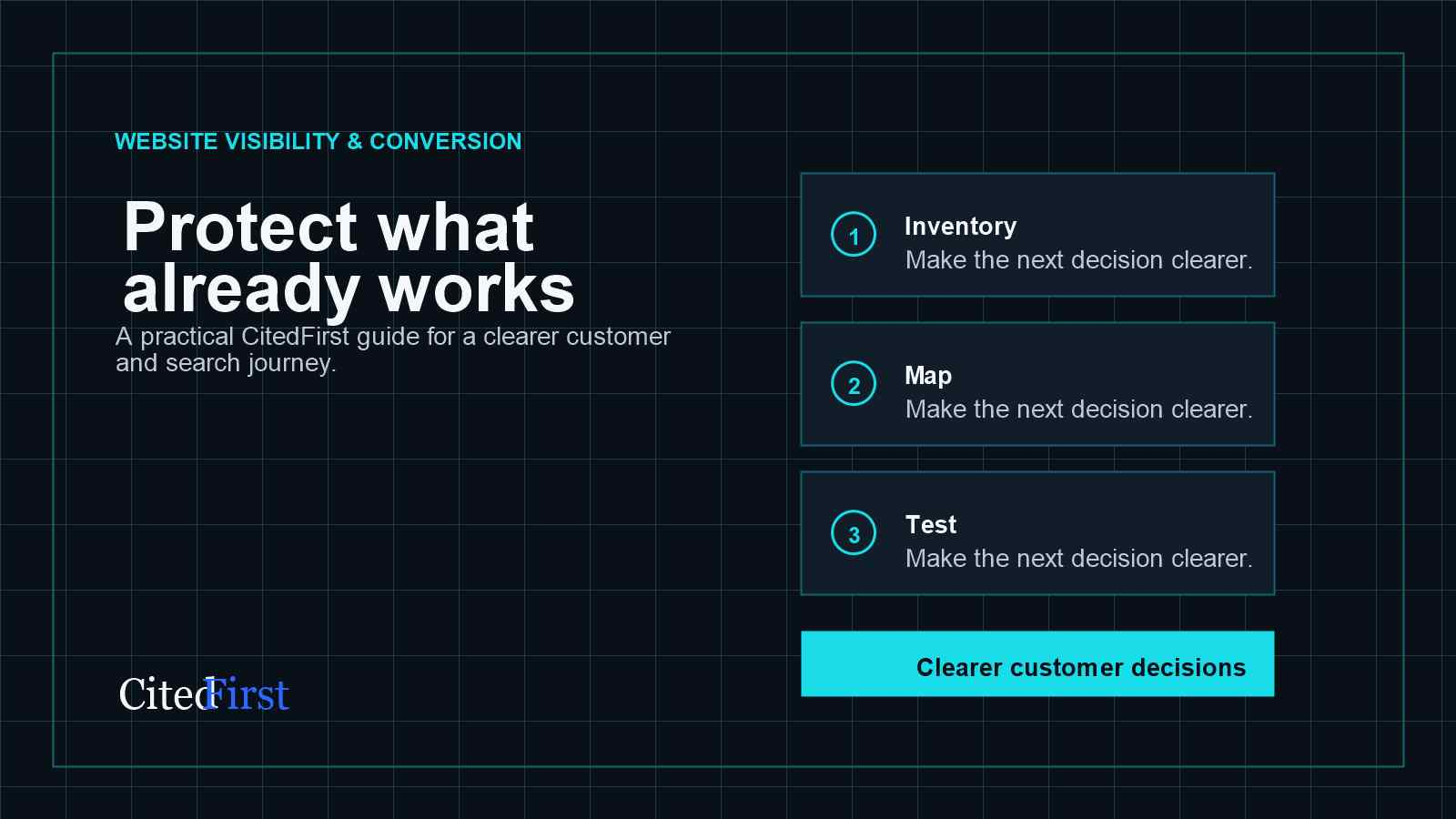
- Inventory: Record useful pages, URLs, links, forms, tracking and public details before design work starts. Check whether it is accurate on the page a customer is most likely to visit first.
- Map: Decide what happens to every important URL and customer route. Check whether it is accurate on the page a customer is most likely to visit first.
- Test: Check the live site as a customer on mobile and desktop before and after release. Check whether it is accurate on the page a customer is most likely to visit first.
Do not make a claim clearer by making it bigger than the truth. If the business has a boundary, a dependency, an eligibility condition or a service-area limit, explain it in straightforward language. This can reduce unsuitable enquiries while helping the right customer feel more confident about making contact.
Use the framework in a real customer journey
- Important URLs: Map each old URL to a kept page or closest useful replacement Review protect existing discovery and bookmarks against what the customer can reasonably know and do at this point.
- Service and location pages: Confirm titles, headings, links and local information Review keep clear customer ownership against what the customer can reasonably know and do at this point.
- Forms and email delivery: Submit real tests and verify inbox receipt Review avoid a polished lead leak against what the customer can reasonably know and do at this point.
- Measurement: Record current Search Console, analytics and conversion baselines Review see whether the redesign helps against what the customer can reasonably know and do at this point.
Keep notes on what was changed, when it changed and the reason for the decision. A page may be affected by seasonality, demand, availability, advertising, technical changes or follow-up quality. A basic record prevents the business from giving credit or blame to a single edit without enough evidence.
What a useful result looks like
The immediate result should be a clearer page and a more understandable next step. Over time, the business can look for stronger query alignment, more suitable contact actions, fewer repeated pre-enquiry questions and better internal routes between related pages. These are signals to review, not promises of a fixed outcome.
Where the review identifies a wider problem, connect it to the correct owner: a service page for offer clarity, a location page for genuine coverage, a guide for an earlier-stage decision, a form route for contact friction or a technical task for access and delivery. This keeps the website coherent as it grows.
Finally, revisit the page when the service, proof, customer questions or operating details change. Maintaining a clear source is more valuable than publishing a large number of pages that become inaccurate or repetitive over time.
Turn the next decision into a clear priority
CitedFirst reviews the important pages, customer questions, visibility signals and next actions together, then identifies a practical place to begin.
Request a Free Visibility PlanA short website redesign checklist action plan
- Choose one customer decision that matters commercially.
- Check the page that currently owns that decision.
- Compare visible information with what a customer still needs to know.
- Remove unsupported claims and correct inaccurate public details.
- Test the next step on desktop and mobile.
- Review relevant search and enquiry evidence before adding more pages.
A useful website redesign checklist change should help a customer understand the business more easily. Record what changed and why. That makes it possible to review the effect later without assuming that one edit caused every movement in visibility or enquiries.
Use the decision consistently
These final checks keep the page focused on what a customer needs to understand, rather than adding information only to make the page look larger.
- A website redesign checklist should begin with the pages and contact routes that already work.
- A website redesign checklist should include every important URL before design changes are approved.
- A website redesign checklist should map old pages to retained or useful replacement pages.
- A website redesign checklist should test forms through to actual email delivery.
- A website redesign checklist should check mobile layouts and navigation before launch.
- A website redesign checklist should preserve accurate service, coverage and proof information.
- A website redesign checklist should include post-launch monitoring and a correction owner.
- A website redesign checklist should not treat a visual change as proof of a better customer journey.
- A website redesign checklist should begin with the pages and contact routes that already work.
- A website redesign checklist should include every important URL before design changes are approved.
- A website redesign checklist should map old pages to retained or useful replacement pages.
Use the outcome of this review to improve the relevant owner page, the supporting guidance and the next contact route together.
Keep the change proportionate. A small clarification may be enough when the service is already clear, while a larger structural problem may need a service-page review, a navigation change or a carefully planned redesign. The useful next move is the one that removes the customer’s uncertainty without creating a second page that repeats the first.
Before acting, check the information with the people responsible for the service. Confirm the scope, coverage, evidence and contact process. This prevents the page from becoming outdated or making the customer a promise that the business did not intend to make.
Frequently asked questions
What should be on a website redesign checklist?
Include important URLs, page roles, redirects, service and location content, internal links, forms, tracking, public information, mobile behaviour and post-launch checks.
Can a redesign affect SEO?
Yes. Changing or removing useful pages, URLs, links, metadata or technical signals without a plan can affect discovery. A documented mapping and QA process reduces avoidable risk.
Should I change URLs during a redesign?
Only where there is a clear reason. When a URL changes, map it to the closest useful replacement and update internal links.
How do I test a contact form after redesign?
Submit realistic tests on desktop and mobile, review validation and confirmation messages, and confirm the email reaches the monitored inbox.
Do I need a redesign to improve website enquiries?
Not always. Focused improvements may be safer and faster when the current platform and page structure remain workable.
Continue with the relevant CitedFirst service
This guide explains the decision. The service page explains how CitedFirst approaches the connected commercial work and the next practical step.
Explore AI-Ready Website DesignSources and further guidance
Start with the pages and information that matter most
The Free Visibility Plan is a focused route to review the website, customer journey and public visibility information before deciding what to improve.
Request your Free Visibility Plan