
Local search guide
How to Improve a Google Business Profile After Setup
A practical review for service-area businesses: make the profile accurate, connect it to a useful website page and keep customer information current.
Short answer
Start with the facts customers need to trust
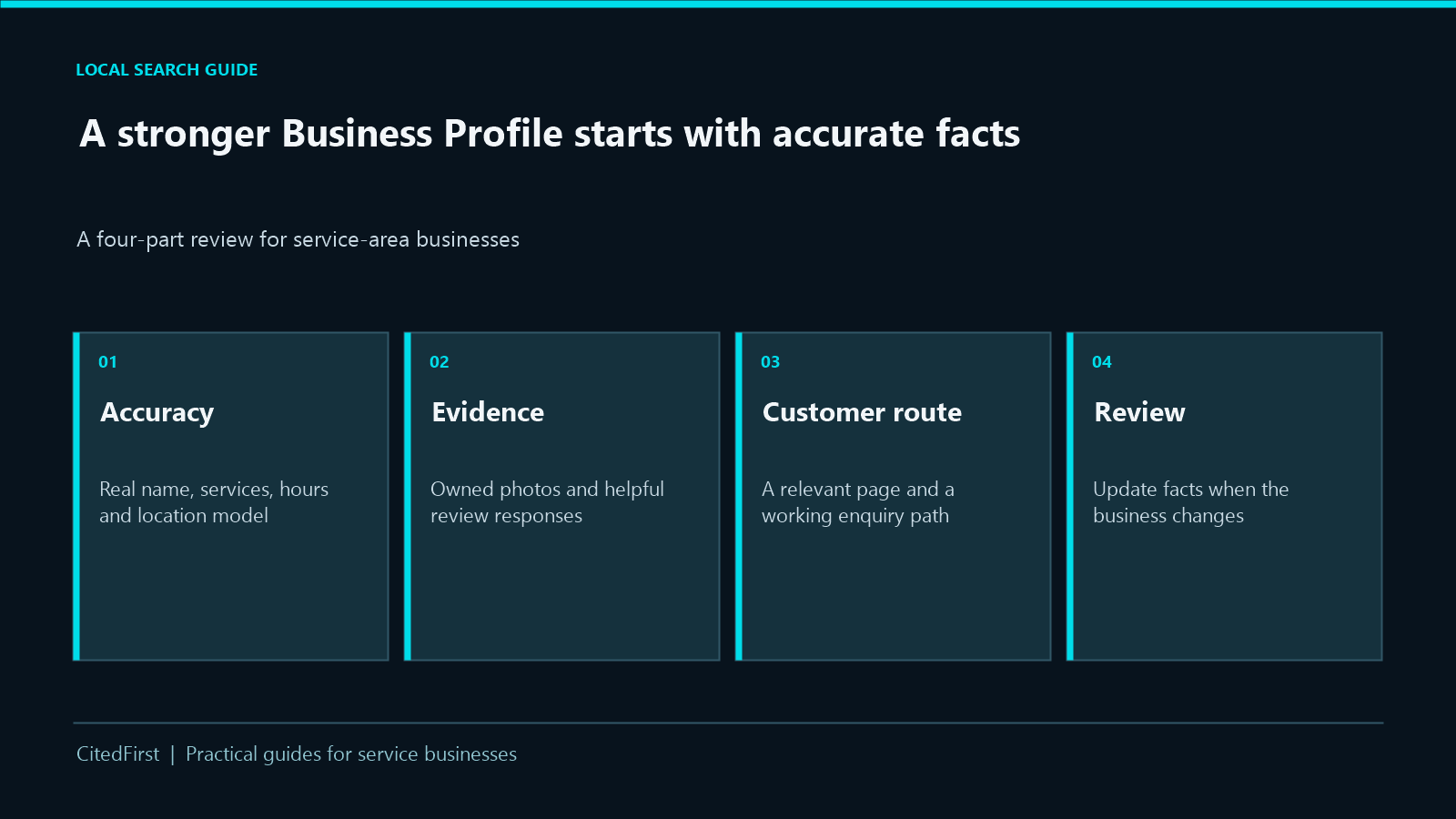
Check that the profile represents the business as it operates today. Correct its category, services, hours, location model and website link before spending time on extra updates. Then add genuine photographs, manage reviews and keep a record of what changed.
If you have not created a profile yet, use our preparation guide first. This checklist is for a profile that already exists.
01 · Accuracy
Can a customer identify the business?
Check the name, primary category, contact details, opening hours and address visibility against the real operation.
02 · Relevance
Can they see the right service?
Use relevant categories and actual services. Describe what a customer can request without stuffing place names into the business name.
03 · Journey
Can they take the next step?
Follow the website link on a phone. The landing page should explain the service and offer a working enquiry route.
Practical review
Profile checklist, in priority order
Record what you found, who will correct it and when it was checked. A field that is already accurate may need no change.
| Check | What to verify | Useful action |
|---|---|---|
| Business identity | Real-world name, main phone, website and ownership access. | Correct stale details and keep one approved record. |
| Business model | Storefront, service-area or hybrid. Is the address shown only when customers can be served there? | Set the address and area to match actual operations. |
| Category and services | Does the primary category describe the business? Do listed services match what customers can buy? | Remove irrelevant entries and clarify genuine services. |
| Hours | Normal and special hours, including closures. | Update changes before customers travel or call. |
| Website destination | Correct URL, mobile clarity and working call/form links. | Send customers to the most useful truthful page. |
| Proof and response | Relevant photographs and unanswered customer reviews. | Add owned, permitted media and reply helpfully. |
A larger service-area list does not guarantee better local ranking. Google’s local results also depend on relevance, distance and prominence. Use only areas the business can actually serve.
Location model
Show the right address and coverage
A service-area business visits or delivers to customers and does not serve them at its address. If customers are not served at the address, Google says to remove it from the public profile. A hybrid business serves customers at its location and also travels to them; the address and service area can both be shown when the storefront is genuine.
Review the service area against real travel and capacity. Google’s current guidance allows areas by city, postcode or another supported area, rather than an editable radius. Do not create a separate profile for each town simply because you serve it.
Our guide on the website and Business Profile roles explains how these surfaces work together.
Customer route
Make the website link useful
A profile can attract attention, but the website needs to confirm the service, suitability and next step. Test the link on a phone. Can the visitor see the service immediately? Is the operating area described honestly? Does the call link dial the right number, and does the form show a clear confirmation?
Use a suitable service page when it genuinely answers the searcher’s question. A generic homepage is reasonable when several services are equally relevant. Track profile interactions and website enquiries separately: a link click is not a qualified lead.
Ongoing care
Use reviews and photos as evidence, then maintain the facts
Publish genuine, relevant media
Show the team, premises, equipment or completed work when you own the image and have permission. Captions should explain what is visible; stock photography should never stand in for a real project.
Reply to reviews as a business
Thank customers for specific feedback and respond calmly to concerns without exposing private details. Google provides a review request link, but requests must follow its current policies and should not filter for only positive experiences.
Set a review rhythm
Recheck hours before holidays, update changed services promptly and inspect the profile-to-website journey periodically. Keep a simple log of the date, field changed, reason and person responsible so the next review starts from evidence.
What to measure
Profile interactions show how people use the listing. Website analytics and enquiry records show what happened after a visit. Review those together, while recognising that none alone proves a change caused a local ranking improvement.
Explore Google Business Profile optimisationQuestions
Google Business Profile FAQs
What should I improve first?
Correct inaccurate business facts and a broken customer route first. Category, service, address, hours and website errors can mislead customers more directly than a missing decorative update.
Will adding more service areas improve ranking?
It is not a reliable ranking shortcut. List areas you can genuinely serve. Google describes local ranking in terms of relevance, distance and prominence, and does not guarantee a better position from profile edits.
Should a service business hide its address?
If it does not serve customers at that address, Google says to remove the address from the profile. A genuine hybrid storefront may display its address and service area.
How often should I review the profile?
Update facts when they change and check the customer journey regularly. Holiday hours, new services and an outdated website link should not wait for an arbitrary posting schedule.
Sources and further reading
Take the next step
Make the profile and website work together
CitedFirst can review the accuracy of your profile and the path a customer follows from local discovery to an enquiry.